Gaming 3 min read · 10 Nov 2026
How to buy PUBG Mobile UC in Nepal
Get UC for Royale Pass and skins without an international card — paid in rupees.
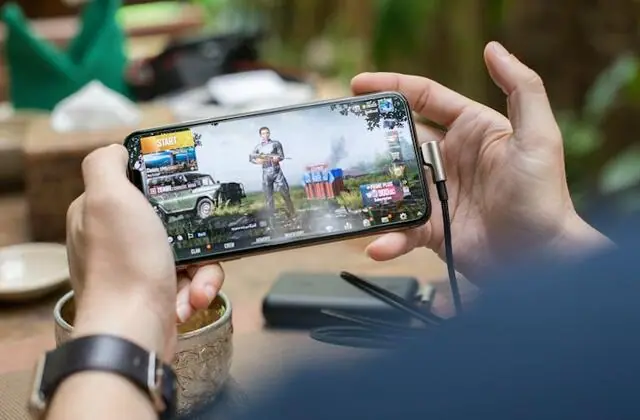
Buying UC inside the game needs a card that works internationally. With TOPX you pay in rupees and the UC is sent straight to your Player ID.
Step by step
- 1Open PUBG Mobile, tap your avatar in the top-left and copy your ID.
- 2On TOPX, open PUBG Mobile UC and choose a pack — bigger packs include more bonus UC.
- 3Paste your Player ID and tap “Check name” to confirm it's your account.
- 4Tap “Order on WhatsApp”, then pay with eSewa, Khalti, IME Pay or bank.
- 5Open the game — the UC shows in your balance.
Royale Pass season about to start? Buy UC a day early — deliveries are fastest outside the rush.